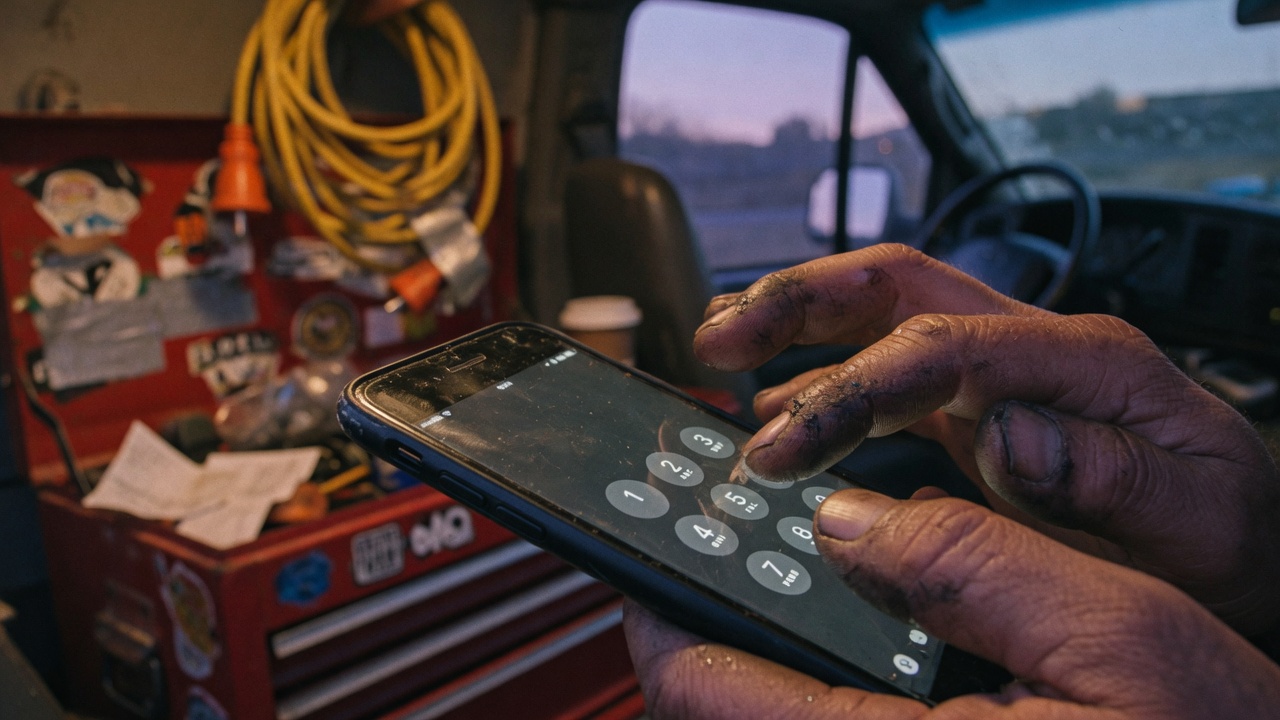
After you sign up we text you the codes with your forwarding number already in them. If you like doing it from a page, here is every recipe we ship.
AT&T, T-Mobile, most Android (GSM)
Missed-call — dial all three, wait for confirmation each time:
- *61*1XXXXXXXXXX# — no answer
- *67*1XXXXXXXXXX# — busy / decline
- *62*1XXXXXXXXXX# — unreachable
- *21*1XXXXXXXXXX# — always-answer (every call)
- ##002# — turn the GSM forwards off
Verizon and many US cells
- *71 + ten-digit number — no-answer and busy, phone still rings
- *72 + ten-digit number — always-answer, phone does not ring
- *73 — turn it off
iPhone
The Settings toggle is unconditional. It forwards every call. Use it only for always-answer. For missed-call, open the Phone app and dial the GSM or Verizon codes above like it was 1998. That is not a bug. Apple did not build conditional forwarding into Settings.
Questions shops actually ask
- Why didn’t the code work?
- Wrong family of codes for the carrier, or you used iPhone Settings in missed-call mode. GSM wants *61/*67/*62. Verizon often wants *71. Disable with *73 or ##002# and try the other set.
- Do I include the 1?
- GSM codes (*21, *61, *67, *62) want the full international-style number: *61*1XXXXXXXXXX#. Verizon *71 and *72 want the ten-digit US number with no extra 1.