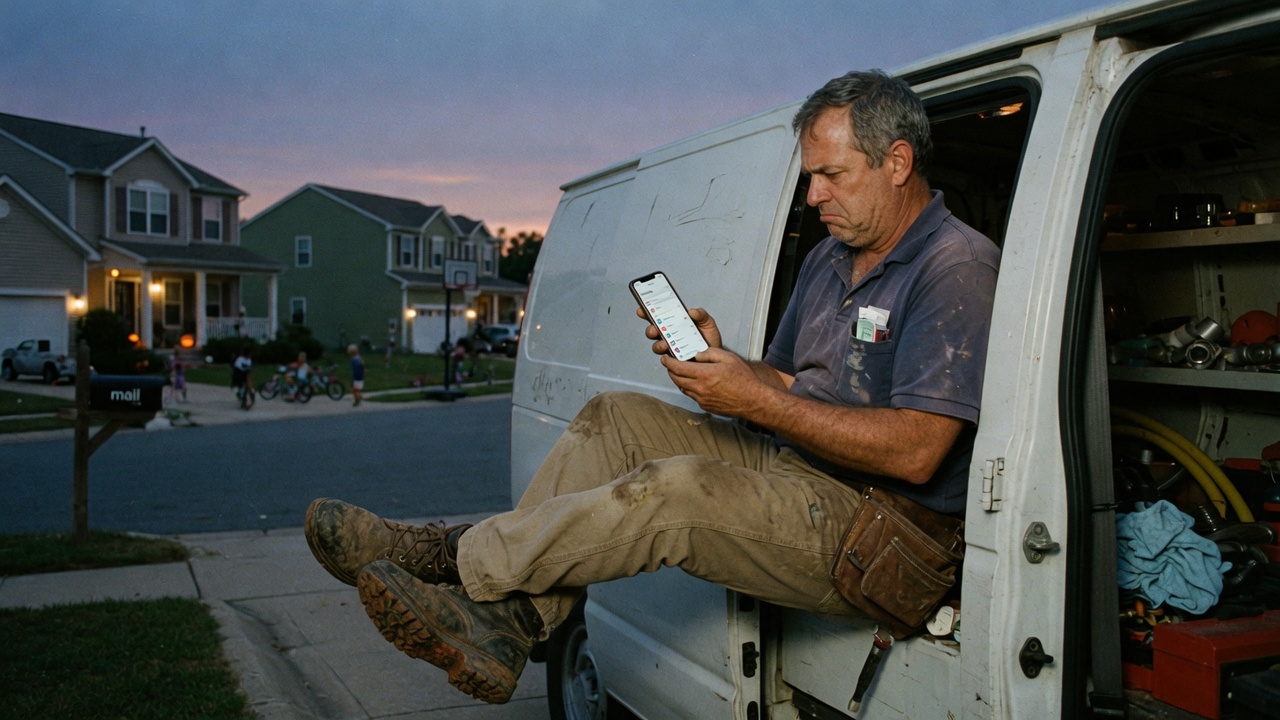
If you turn on Settings → Phone → Call Forwarding, your iPhone stops ringing. Family, suppliers, and the neighbor at the truck all hit us. Fine if that is what you wanted. A problem if you still answer jobs from your pocket.
Missed-call on iPhone
- Do not open Settings.
- Open the Phone app. Keypad.
- Dial *61*1XXXXXXXXXX# — wait for the confirmation, hang up.
- Dial *67*1XXXXXXXXXX# — same.
- Dial *62*1XXXXXXXXXX# — same.
- Verizon: try *71 plus the ten-digit number instead of those three.
Always-answer on iPhone
Now Settings is the right tool. Phone → Call Forwarding → On → paste the number we issued. Or dial *72 plus the ten digits. Your iPhone will not ring until you turn it off.
How you know it worked
From another phone, call yourself and don’t pick up. You should get a text with the job. The caller should get a hold text. If it still hits your voicemail, the no-answer code did not take — disable with *73 / ##002# and dial again.
Questions shops actually ask
- Why does Apple do it this way?
- iOS Call Forwarding is the old unconditional forward. Conditional forwards (no-answer, busy, unreachable) still live on the carrier. You reach them by dialing codes.
- Will this work on an iPhone on Verizon?
- Usually *71 for missed-call and *72 for always-answer. If *71 does nothing, try the GSM set. The app has both tabs.